Ticking bills by hand works fine. It's also the thing most likely to slide when a month gets busy. If you'd like the bank to do the ticking, you can connect it. If you'd rather not, nothing else in Payday Plan depends on it.
How the connection works
Payday Plan doesn't connect to your bank directly. It goes through SimpleFIN Bridge, a separate company whose whole job is read-only bank access.
- In Payday Plan, go to Settings → Your bank and press Open SimpleFIN Bridge →. Sign up there and link your bank. It costs about $15 a year, paid to them, not to us.
- On SimpleFIN, choose "New app connection" and copy the setup token.
- Back in Settings → Your bank, paste it into the Paste your setup token box once and press Connect.
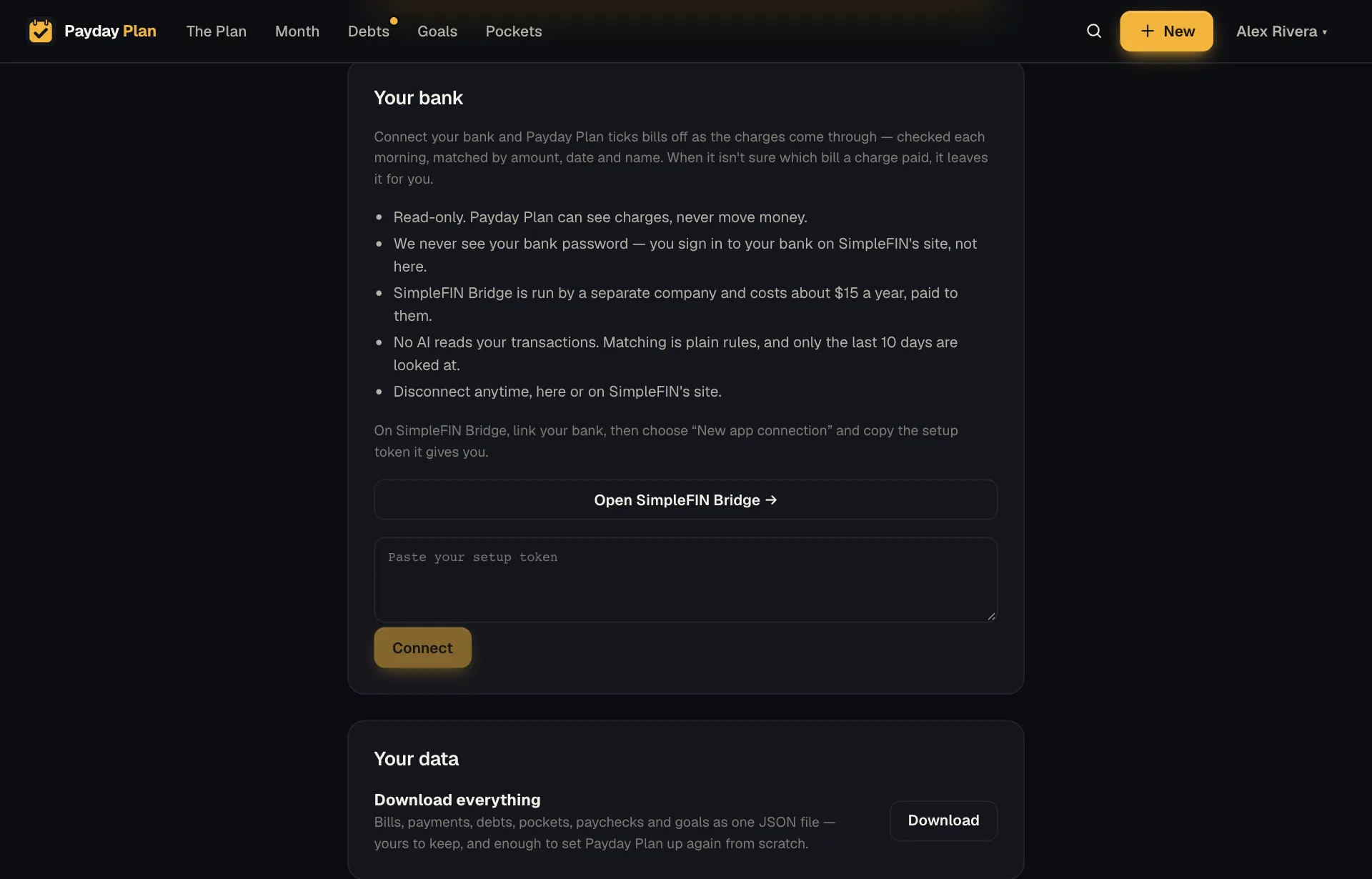
You sign in to your bank on SimpleFIN's site, never on ours. Payday Plan never sees your bank password, and the connection can see charges but can't move money.
What happens each morning
Early each morning, Payday Plan reads the last 10 days of charges and looks for the bills they paid. (There's also a Check now button if you don't want to wait.)
A charge has to pass three tests to tick a bill:
- Amount. Within $1 or 3% of what the bill should be.
- Date. Posted from 6 days before the due day to 4 days after.
- Name. Words in the charge's description that match the bill's name, used to break ties.
So a $142.17 charge from "CITY WATER UTIL" on the 14th can tick a $140 Water bill due on the 15th. (An example, not a promise about your water company's naming habits.)
When it isn't sure, it doesn't
Matching money is a place to be careful, not clever. So:
- A charge that fits two bills is left alone.
- Two charges that fit one bill are left alone.
- A charge is never used twice.
Anything it leaves alone, you tick yourself, the way you always would.
You can always see what it did
Every tick from the bank is marked as automatic. Anyone in the household can un-tick it if it got one wrong. And the Month page still shows who ticked what, so "the bank did it" and "Sam did it" look different at a glance.
Try it: Connect for a month and leave everything else as it is. At the end, check the recap for anything never ticked. That's your list of bills with unusual charge names.
What it doesn't do
- No AI reads your transactions. Matching is plain rules about amounts, dates and words.
- It only looks back 10 days. It isn't building a history of your spending.
- It doesn't categorize your spending or track every coffee. It answers one question: did this bill get paid?
Keeping it safe
The access link SimpleFIN gives Payday Plan is stored encrypted and never leaves our server. Payday Plan only ever talks to SimpleFIN's own addresses with it.
You can disconnect any time, from Settings → Your bank or from SimpleFIN's site. Your plan, your ticks and your history stay exactly as they were.
Not using a bank connection?
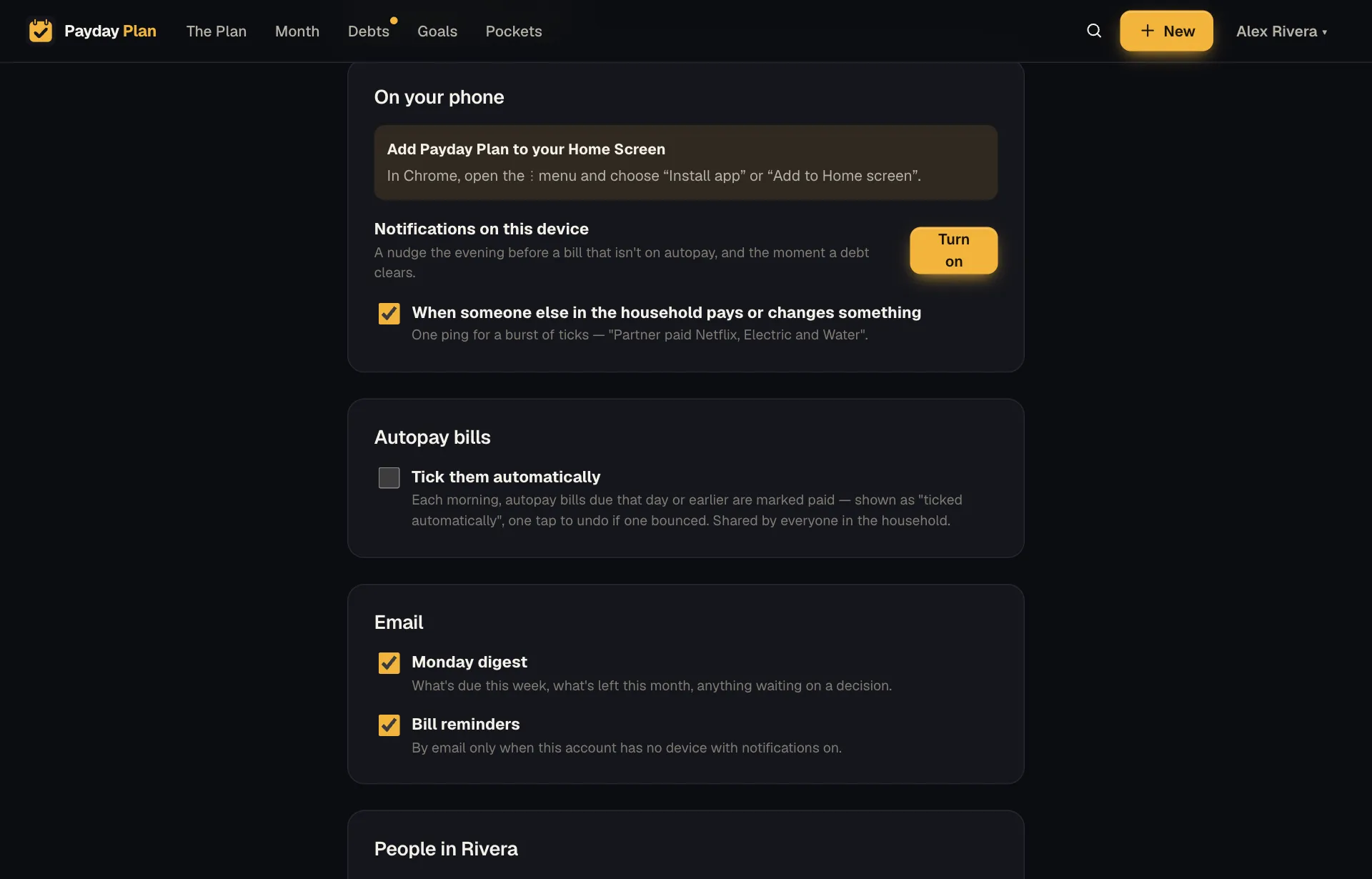
That's fine, and plenty of households won't. When autopay bills have come due without a tick, the Month page shows a bar with Mark all paid ✓, which ticks them all in one tap. And in Settings, under Autopay bills, Tick them automatically ticks autopay bills each morning on their due day.