
Setting up a budget app usually means an evening of forms. Payday Plan asks you to talk instead, then walks you through the rest one step at a time.
A three-step welcome
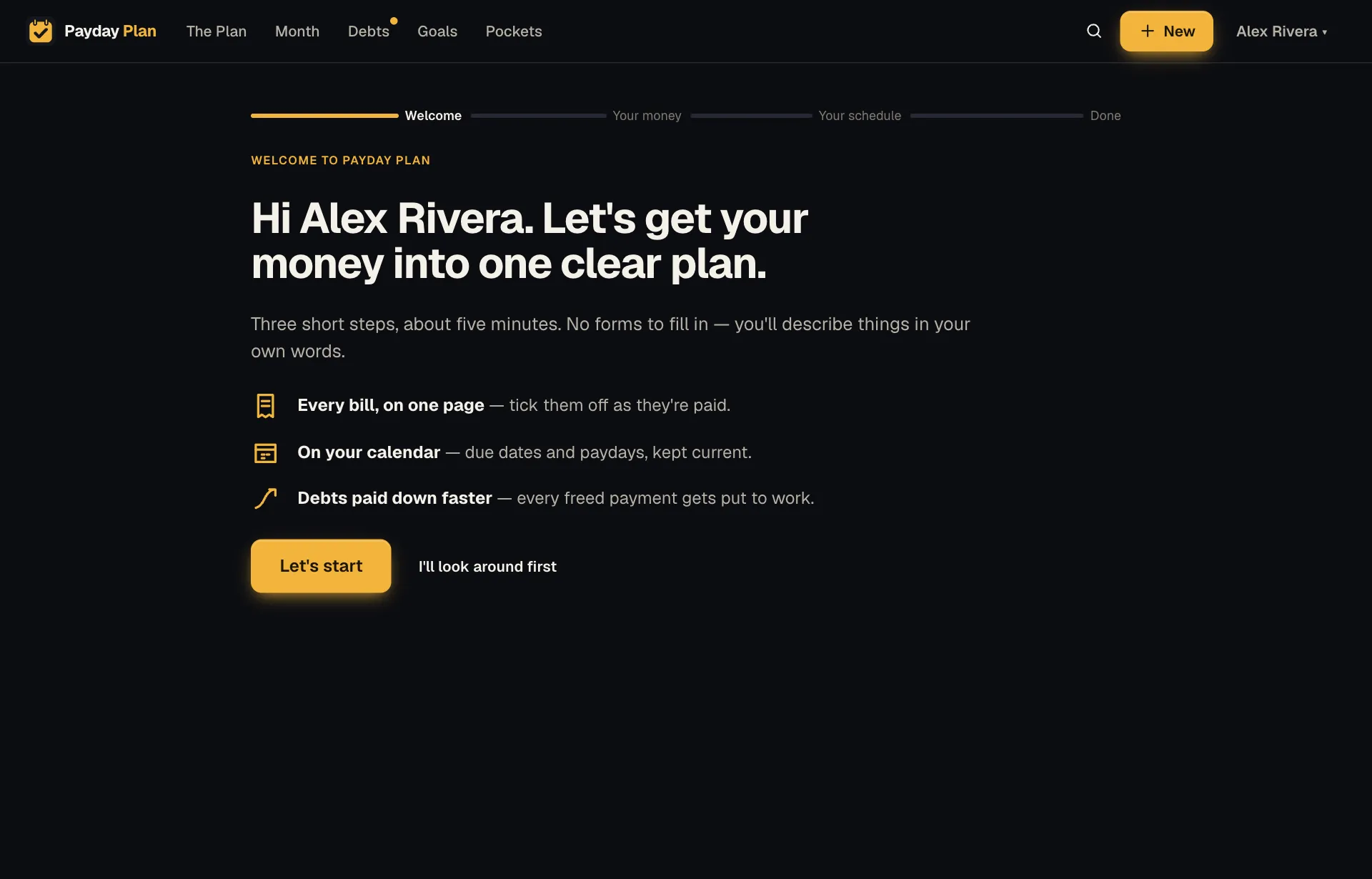
The first time you sign in, there are three short steps:
- Tell us about your money. In your own words, the bills, paychecks and debts. Paste a list if you have one, then press Read it. You review everything before it's saved.
- Fit it into your week. One screen for the rest: Create my calendar link so due dates show up where you already look, Turn on notifications for reminders, and your partner's name and email, then Invite. They get a sign-in link by email. No password needed.
- All set. Go to The Plan, and you're in.
Mortgage $3,600 on the 1st, autopay. Electric about $180 on the 18th.
Car payment $340 on the 5th. Netflix $18. Hulu $8.
I get paid $3,000 every other Friday.
That's a perfectly good start. (Example household, example numbers.) You can be rough. Later steps help you firm things up.
A setup guide that ticks itself
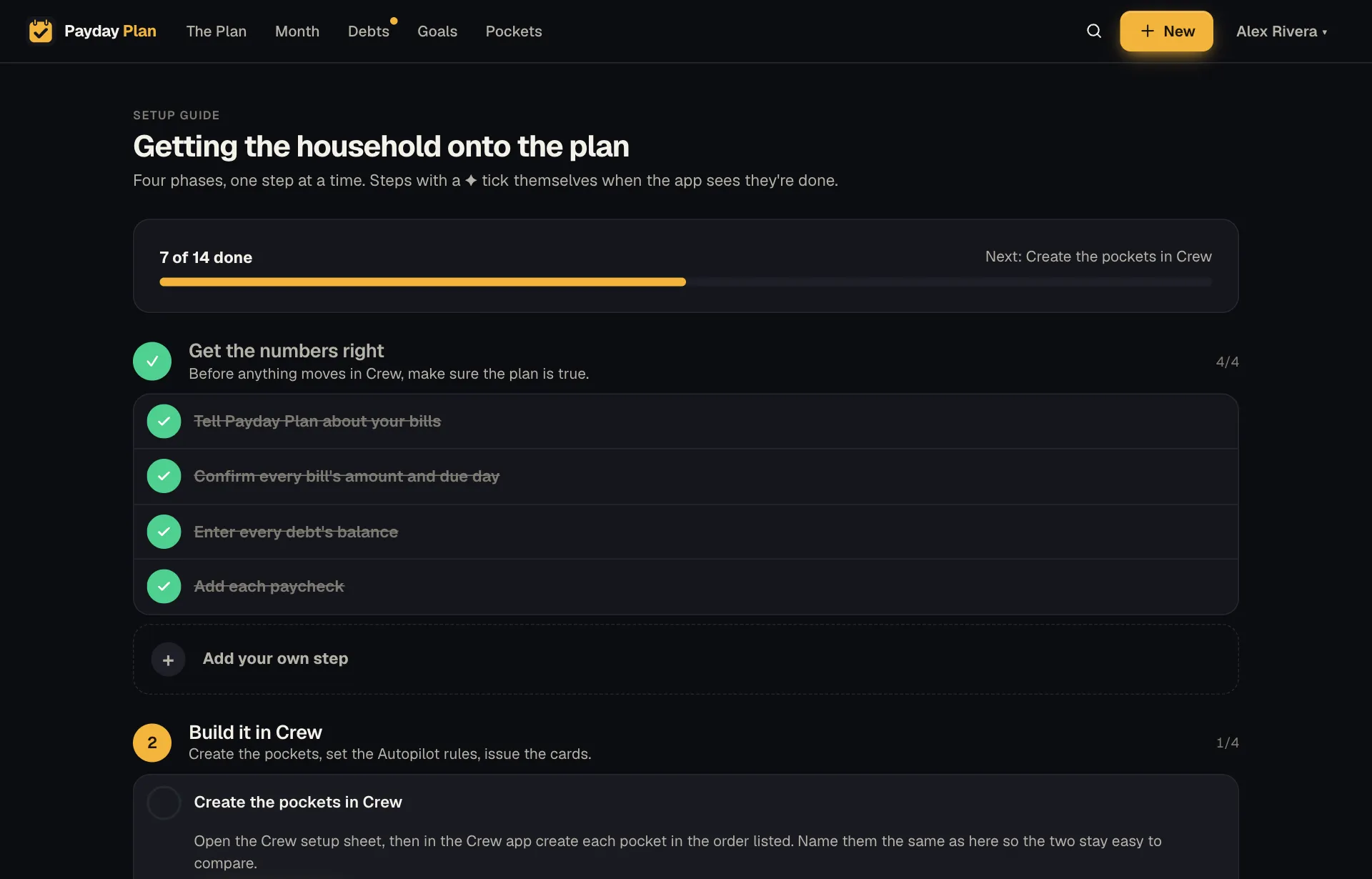
After the welcome, the Setup guide (in the menu under your name, or under More on a phone) lays out the rest in four phases:
- Get the numbers right. Bills, amounts and due days, debt balances, paychecks.
- Build it in Crew, or whichever pocket-based bank you use. Create the pockets, set the Autopilot rules, issue the cards, point each autopay at the right pocket.
- Run the first month. Tick bills as they clear, add the calendar, turn on reminders, get both adults signed in.
- After 90 days. Replace estimates with real averages, and give every savings pocket a purpose.
Each step says why it matters and how to do it, with a button to where it's done. Many steps tick themselves when Payday Plan sees they're true. Add your paychecks and that step is done. Sign your partner in, done. You don't have to come back and check boxes.
Pockets, the way your bank does them
Payday Plan is built for households that split money into pockets, the way a pocket-based bank like Crew does. Pockets come in three kinds:
- Reserve for the fixed bills: mortgage, utilities, insurance.
- Spending for day-to-day: groceries, gas, eating out.
- Savings for goals and the emergency fund.
Each pocket gets a color and an emoji, carried onto every bill it pays, so you can tell at a glance which pocket is covering what.
Crew doesn't offer a way for other apps to create pockets or Autopilot rules for you. So Payday Plan does the next best thing: a printable setup sheet (Crew setup sheet → at the top of the Pockets page) with every pocket, card and Autopilot rule to type into your bank, in order. Name them the same in both places and they stay easy to compare.
Try it: Print the setup sheet and sit down with your bank's app. It's much easier to type from paper than to switch between two apps.
Bring in your real numbers
Estimates are fine for a first month. Real numbers are better. Open Import transactions from the menu, choose a transactions CSV exported from your bank (or drop it on Choose a CSV, or drop it here), and Payday Plan:
- Finds recurring charges that aren't bills yet.
- Works out 90-day averages for each merchant, to replace your estimates.
The file is read once and discarded. Nothing from it is stored.
If you'd rather wait, after three months of recorded amounts The Plan offers each bill's average in one click.
Take everything with you
Any time, Settings → Your data → Download (next to Download everything) gives you your household's whole plan as one JSON file: bills, payments, pockets, debts, goals, the lot. It's your data. You can always take it with you.