Here's a small, recurring chore that nobody puts on a list: a bill email arrives, you open it, you find the amount (not the previous balance, not the "minimum due", the actual amount), you find the due date, and you write both down somewhere. Then you do it again next week for a different company.
Payday Plan can do the reading. You forward the email; it pulls out the amount due and the date, and lines it up against the right bill. You glance at it and say yes.
This guide covers doing that by hand, and setting it up so it happens on its own.
How it works, in one paragraph
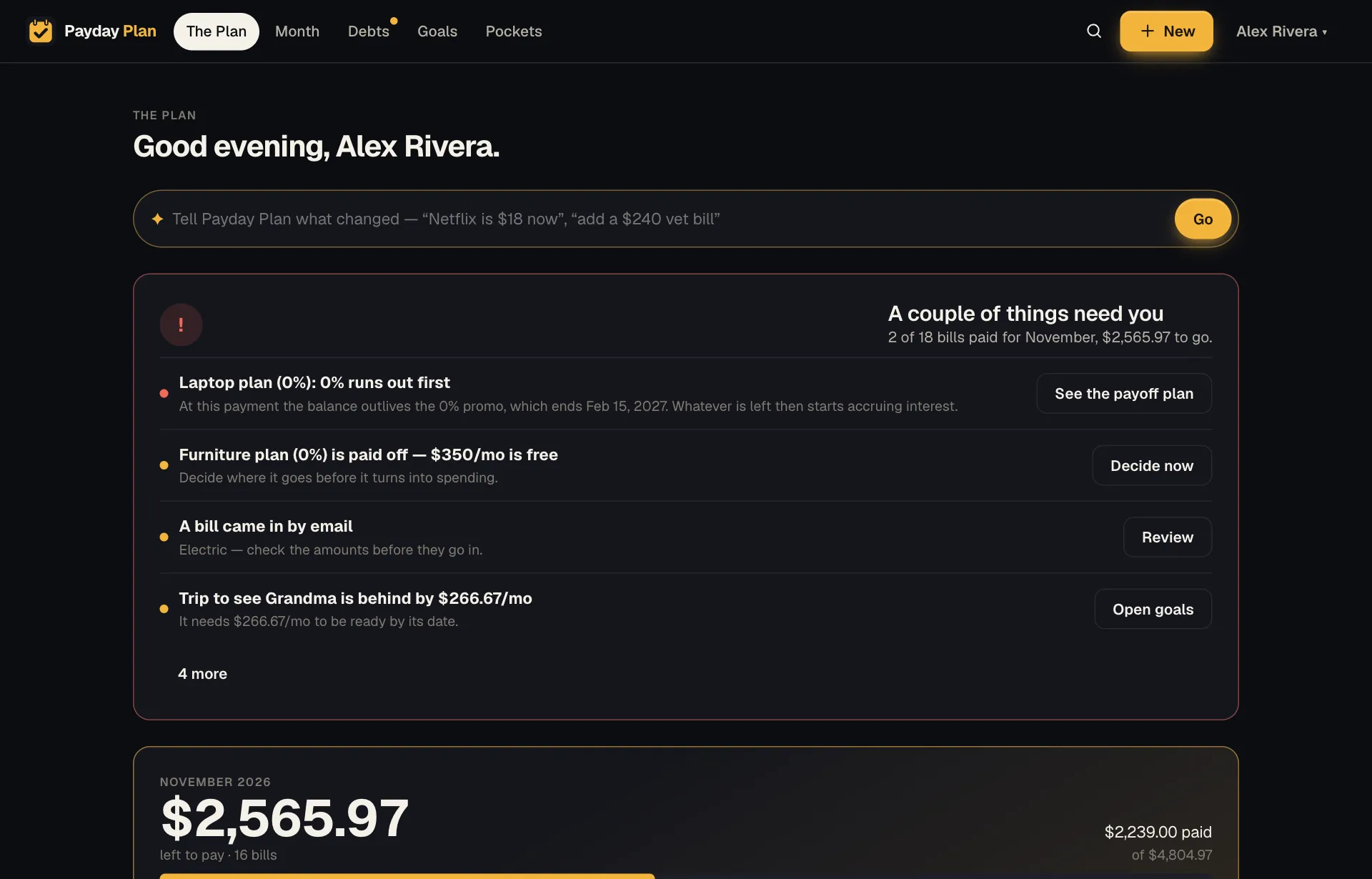
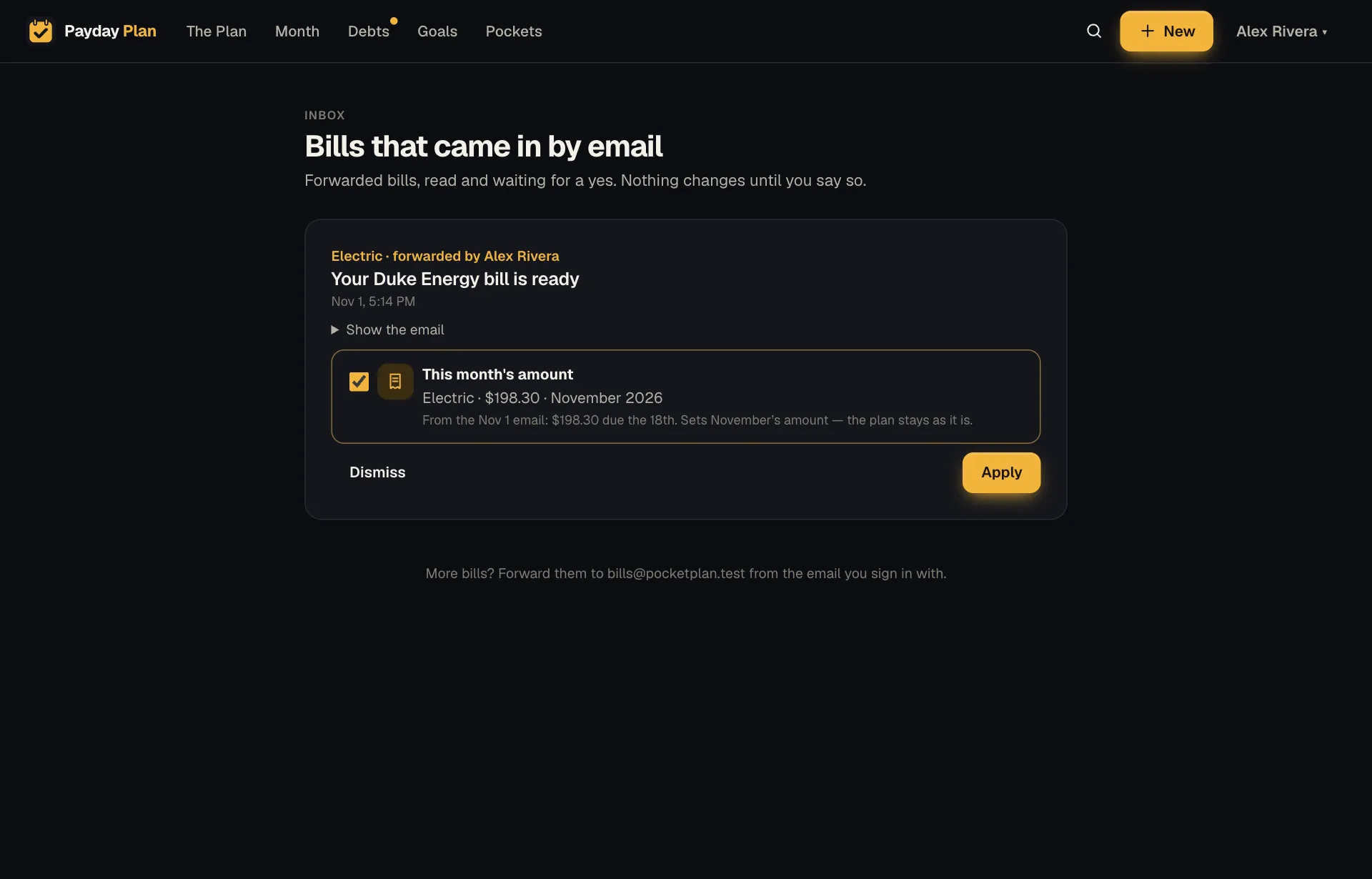
Send or forward a bill email to bills@paydayplan.app from the email address you sign in with. Payday Plan reads it. No AI involved: it looks for the amount due, the due date, and phrases like "will be automatically drafted". It then works out which of your bills it belongs to from the sender, the subject and the company's domain. It puts the result on the Emailed bills page, and adds an "A bill came in by email" line to the card at the top of The Plan. Nothing changes in your plan until you tap Apply.
What it does with each email
What it proposes depends on what the email says:
- A bill it recognizes. It offers This month's amount: "Electric, $212.45, November." That records what the bill actually came to this month, without changing your plan for future months. Your estimate stays an estimate until you decide otherwise.
- A bill that says it drafts itself. If the email says it'll pay automatically and your plan has that bill marked as paid by hand, it also offers to switch it to autopay.
- A company it doesn't know. It offers Add bill, with the name, amount and due day filled in.
- An email with no amount it can find. It keeps the email with a note saying so, and you can dismiss it.
It's careful about which number it takes. "Previous balance", "last payment" and "payments received" never count. "Amount due", "total due" and "please pay" count most. For a credit card statement it takes the minimum payment rather than the full statement balance, because that's what your plan schedules.
If the same email arrives twice, you get one item, not two. If two of your bills look equally likely ("Spectrum Phone" or "Spectrum Internet?"), it says so instead of guessing.